# What is google Play Gift Card?
A Google Play Gift Card is a prepaid card used to add money to your Google Play balance. You can then use that balance to buy digital content from Google Play, which is operated by Google. 📱💳
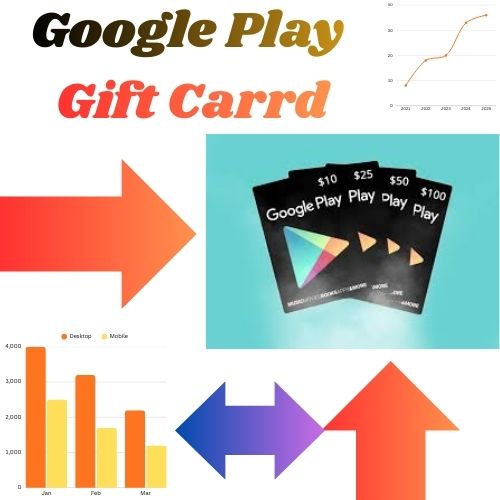
After redeeming the gift card, the money is added to your Google Play balance. You can use it to buy:
- 📱 Apps and games
- 🎮 In-game items
- 🎬 Movies and TV shows
- 🎵 Music
- 📚 E-books
# How to Get Google Play Gift Card?
You can get a Google Play Gift Card in several ways. After you redeem it, the money is added to your Google Play balance to buy apps, games, movies, and more from Google. 📱💳
1️⃣ Get It Online
You can purchase a digital Google Play Gift Card from online stores.
Steps:
- Visit a trusted online store.
- Search for Google Play Gift Card.
- Choose the amount (for example $5, $10, $25, $50).
- Pay using a debit/credit card or online payment.
- Receive the redeem code by email.
2️⃣ Get a Physical Card in Stores 🏪
3️⃣ Receive It as a Gift 🎁
4️⃣ Earn Through Reward Apps

# How to Use Google Play Gift Card?
To use a Google Play Gift Card, you first redeem the gift card code in your Google account. After that, the value is added to your Google Play balance on Google Play, which is operated by Google. 📱💳
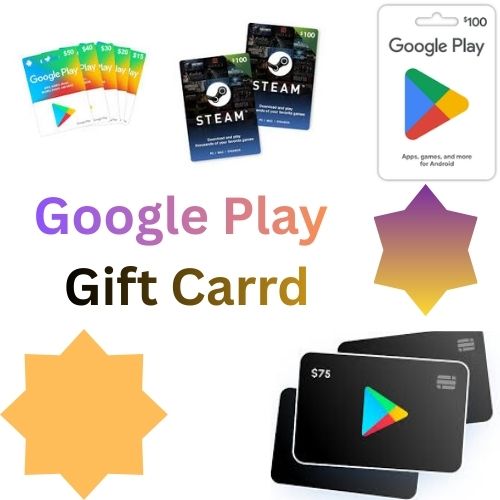
Step-by-Step Guide
1️⃣ Redeem the Gift Card
- Open the Google Play Store app on your Android device.
- Tap your profile icon (top right).
- Tap Payments & subscriptions.
- Select Redeem gift code.
- Enter the gift card code and tap Redeem.
✅ The amount will be added to your Google Play balance.
2️⃣ Use the Balance
After redeeming, you can use the balance to buy:
- 📱 Apps and games
- 🎮 In-game items
- 🎬 Movies and TV shows
- 🎵 Music and subscriptions
- 📚 E-books
# How to Redeem Google Play Gift Card?
To redeem a Google Play Gift Card, you enter the gift card code in your account on Google Play. After redeeming, the value is added to your Google Play balance. 📱💳
Step-by-Step Guide
1️⃣ Open the Google Play Store
- Open the Google Play Store app on your Android phone or tablet.
2️⃣ Go to Your Profile
- Tap your profile icon in the top-right corner.
3️⃣ Select Payments & Subscriptions
- Tap Payments & subscriptions.
4️⃣ Tap “Redeem Gift Code”
- Choose Redeem gift code.
5️⃣ Enter the Code
- Type the gift card code or scan it with your camera.
6️⃣ Confirm Redemption
- Tap Redeem.
✅ The money will be added to your Google Play balance provided by Google.